

My Account
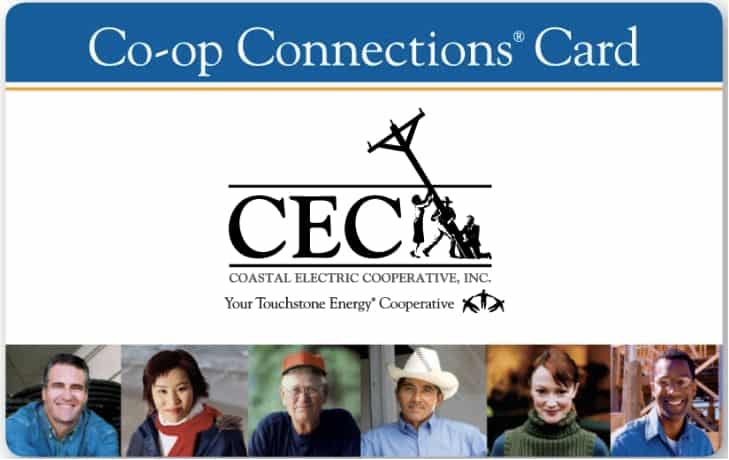
Experience savings on restaurants, golf, shopping, travel, family fun, automotive, movies, insurance… everything you can imagine is here. Co-op Connections has the best deals all in one place.
Start, Stop, Move Service
Get the applications you'll need to begin, cancel, or move your service and find out what documentation is required to complete your request.
New Service or Transfer Service
- Scroll Down and Apply Online Now!
- Download the Coastal Electric Service Application [PDF]
- Request an Application Be Sent to You »
- Call Us to Request an Application at 843-538-5700
- In Person: 2269 Jefferies Hwy., Walterboro, SC 29488
Google Map
Please be sure to fill out the application completely and submit it with the required documents listed – a copy of your driver's license or valid picture ID, and proof of home ownership or a rental agreement.
We will contact you to inform you when your application is approved or if we need additional information in order to approve the account.
Disconnect Service
You can make a disconnect request by logging into your SmartHub account, calling us at 843-538-5700, or using our online contact form to submit your request. »
You will need to provide your account number, the name on the account, service address, contact info, and your desired disconnect date.